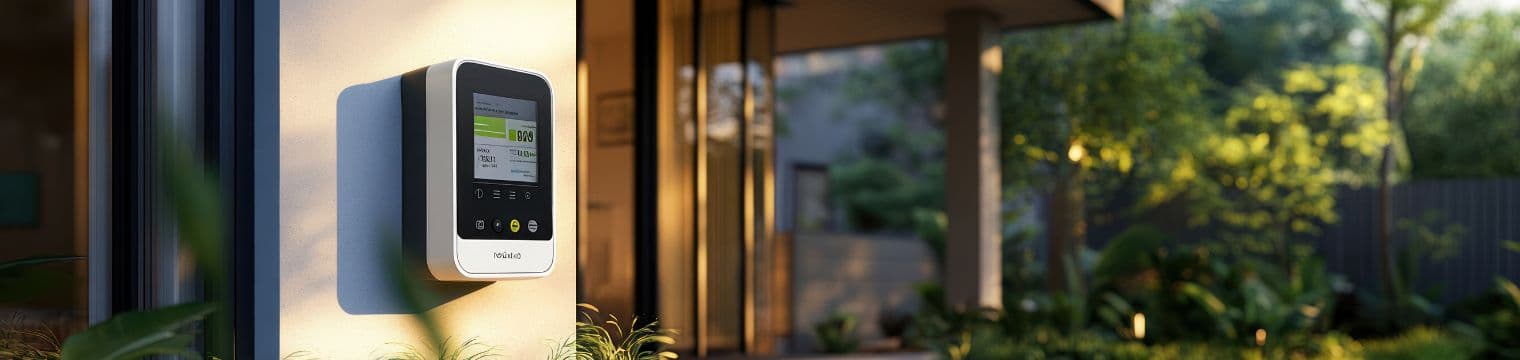
A smart meter is designed to make your life easier. It automatically sends your gas and electricity readings to your supplier, helps you track your energy usage, and reduces the need for manual meter readings. In the UK, millions of homes use smart meters installed under the government rollout led by the Smart Energy GB.
But what happens when your smart meter is not working properly? It can be frustrating, especially if your in-home display goes blank or your bills look wrong. If you are facing a situation where your smart meter is not working, don’t worry. Many common issues have simple solutions.
10 Common Smart Meter Problems and How to Fix Them
1. In-Home Display (IHD) Is Blank
The in-home display (IHD) shows your energy usage in real time. If the screen is blank:
Possible reasons:
- Battery is low
- Power cable is loose
- Device needs resetting
How to fix it:
- Check if the display is plugged in properly.
- Try charging it fully.
- Restart the device by turning it off and on.
- Move it closer to your smart meter.
If your smart meter not working but the meter itself has power, the problem may only be with the display device.
2. Smart Meter Not Sending Readings
Sometimes the meter stops sending readings to your supplier.
Possible reasons:
- Weak signal
- Network issue
- System update in progress
Smart meters in Great Britain connect through the national network managed by Data Communications Company.
How to fix it:
- Wait 24–48 hours, as temporary network issues are common.
- Contact your energy supplier.
- Do not try to remove or open the meter yourself.
If your smart meter is not working in terms of sending readings, your supplier can check it remotely.
3. Incorrect Energy Usage Showing
If your bill suddenly increases or usage seems too high:
Possible reasons:
- Estimated billing
- Tariff change
- Wrong meter linked to your account
How to fix it:
- Compare the reading on the meter with your bill.
- Take a manual reading and send it to your supplier.
- Ask your supplier to check your tariff details.
A smart meter not working correctly can sometimes show delayed data, but it rarely miscalculates usage.
4. Smart Meter Lost Connection After Switching Supplier
If you recently changed your energy supplier and now your smart meter is not working, this is common with older meters.
Earlier generation smart meters sometimes lost smart features after switching providers.
How to fix it:
- Contact your new supplier.
- They may upgrade your meter remotely.
- In some cases, they may replace it with a newer version.
Most modern meters stay connected even after switching suppliers.
5. Gas Meter Not Connecting to Electricity Meter
Your gas meter usually connects through your electricity meter.
Possible reasons:
- Signal distance too far
- Battery problem in gas meter
How to fix it:
- Check if your electricity meter is working.
- Inform your supplier.
- A technician may need to visit if the battery is low.
If your smart meter is not working for gas readings only, it may not be a full system failure.
6. Display Showing “Waiting for Current Data”
This message usually means the device cannot connect to the meter.
How to fix it:
- Move the display closer to the electricity meter.
- Avoid placing it near thick walls or metal objects.
- Restart the display device.
This is one of the most common reasons people think their smart meter not working, but it’s often just a signal issue.
7. Meter Showing Error Codes
Sometimes the screen shows codes like “Error 01” or “HAN connection lost”.
How to fix it:
- Note down the error code.
- Contact your supplier and give them the code.
- Do not try to fix wiring yourself.
Different manufacturers use different codes, so your supplier will guide you properly.
8. No Power to the Smart Meter
If your meter screen is completely off:
Possible reasons:
- Power cut
- Main switch turned off
- Internal fault
How to fix it:
- Check if other appliances have power.
- Look at your fuse box.
- If everything else works but the meter screen is blank, contact your supplier immediately.
A completely smart meter not working could require a technician visit.
9. Prepayment Smart Meter Not Topping Up
If you use a prepayment meter and it does not update after payment:
How to fix it:
- Wait up to 30 minutes.
- Restart your in-home display.
- Make sure payment was successful.
- Contact your supplier if credit does not appear.
Sometimes system delays cause the smart meter not working immediately after top-up.
10. Smart Meter Making Noise
Smart meters are usually silent. If you hear buzzing or clicking:
Possible reasons:
- Relay switching on/off
- Electrical issue
How to fix it:
- Light clicking is normal.
- Loud or continuous buzzing should be reported.
- Do not open or tamper with the meter.
If your smart meter is not working and making unusual sounds, report it for safety.
When Should You Contact Your Energy Supplier?
You should contact your supplier if:
- The meter screen is blank for more than 24 hours.
- Readings are clearly wrong.
- You see damage or smell burning.
- You receive estimated bills repeatedly.
- The smart meter is not working after trying basic steps.
Never attempt to remove or repair a smart meter yourself. It is unsafe and illegal to tamper with metering equipment.
Simple Tips to Avoid Smart Meter Problems
Here are some easy ways to reduce issues:
- Keep your in-home display plugged in.
- Place it within 10 meters of the electricity meter.
- Do not block the meter with heavy metal cabinets.
- Report issues early to your supplier.
- Take a manual reading once every few months for backup.
Final Thoughts
If your smart meter is not working, it does not always mean something serious. Most problems are small and can be fixed by restarting the display, checking connections, or contacting your supplier.
Smart meters are built to make billing accurate and energy tracking simple. The UK smart meter network continues to improve technology and coverage across the country.
Before you panic, check the simple fixes mentioned above. In many cases, the solution is quick and easy.
If you are unsure, your energy supplier is always the best point of contact. They can run remote checks and send a technician if needed.
A small issue does not mean your system has failed. With the right steps, your smart meter can be back to normal in no time.